
Last updated:
Choose a SKYTRAK by its exact generation and the information you need. The original model uses photometric cameras for ball capture. ST+ adds dual Doppler radar alongside its camera system, while ST MAX combines those technologies with further hardware and training features.
All three names appear in buying conversations, especially when used units are involved. A listing headed “SkyTrak simulator” may include a launch monitor alone or an entire room package. Establish the generation, software entitlement and physical setup before comparing the offers.
Link disclosure: The manufacturer and support links below are direct information links. No affiliate commission is assumed from them.
Guide checked: 9 September 2026. This article uses the linked manufacturer information. We have not carried out hands-on testing. Confirm the exact version and current buying terms before ordering.
| Model | Verified distinction | Question before ordering |
|---|---|---|
| Original SKYTRAK | Photometric camera-based ball capture | Does ball-focused feedback meet your practice needs? |
| ST+ / SKYTRAK+ | Dual Doppler radar plus photometric cameras | Which club data and application features are included? |
| ST MAX | Combined radar/cameras, dual USB and GOLFTEC Speed Training | Will you use these additions in the quoted software plan? |
| Complete studio package | Enclosure and computer may be bundled separately | Does the quotation include every part of the finished setup? |
Table of Contents
Decide whether you need the extra club information
The original model’s specification lists ball speed, launch angle and spin-related ball measurements. ST+ explicitly adds radar-based club information to its camera system. That is a meaningful distinction if your practice question concerns club delivery, rather than simply the flight produced by the ball.
Ask to see the specific screen and metric you expect to use in a demonstration. Do not assume that every number visible in an application is captured in the same way on every generation. Your useful comparison is the exact data available from the quoted device and software combination.
What ST MAX changes in the workflow
SKYTRAK identifies GOLFTEC Speed Training and two USB ports among the ST MAX additions. The dual ports allow charging and data connection together. These are practical workflow features, but their value depends on how you intend to practise and connect the unit.
For a permanent room using a wired computer connection, ask the installer to show the charging and data arrangement. For speed work, ask which current membership makes the training feature available. Avoid paying for a feature name without understanding how you will open it and use it in an ordinary session.
Plan the hitting position and both handednesses
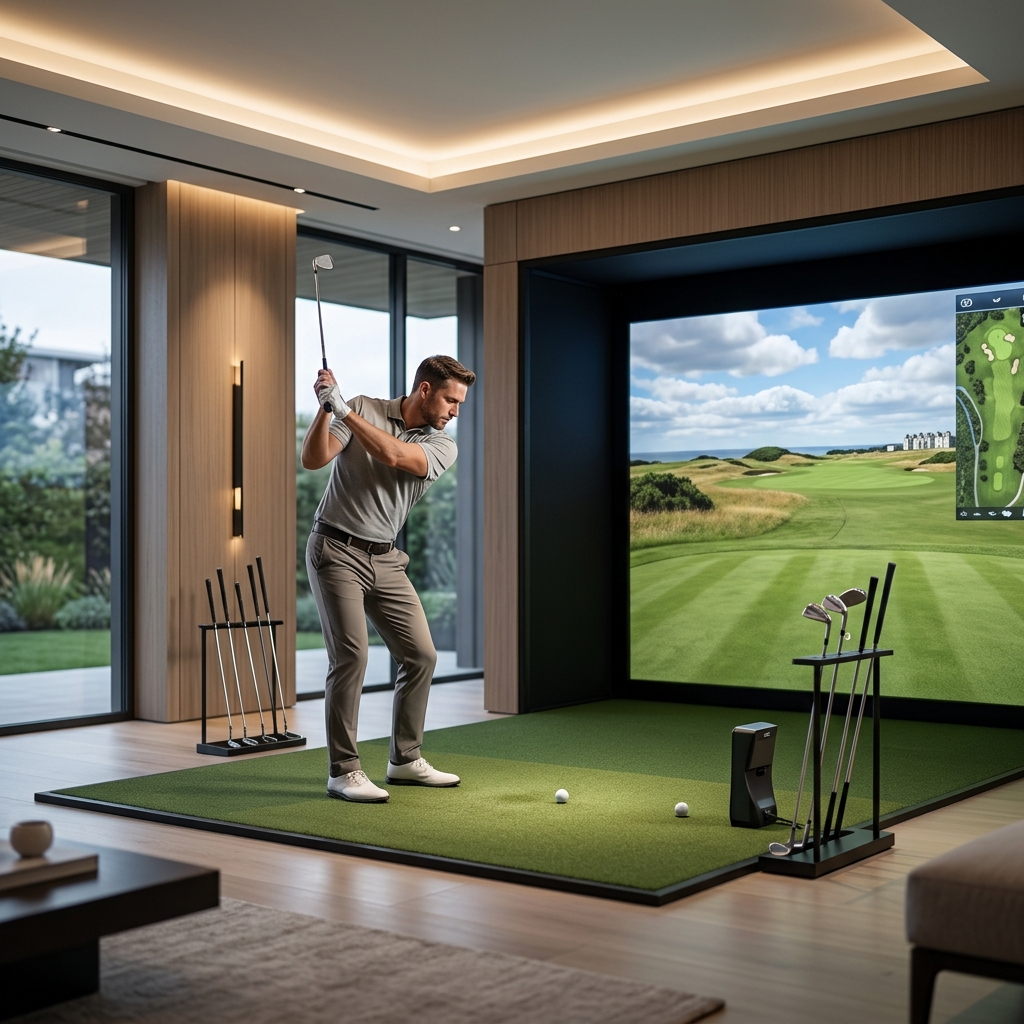
The ST MAX manual places the unit level with the hitting surface, parallel to the intended line of play, and uses a projected dot to locate the ball. Build the setup around that relationship rather than placing the device wherever there is spare floor space.
A side-positioned monitor still needs a golfer’s full swing area and a suitable enclosure. If both left- and right-handed golfers will use the room, request a demonstration of changing sides and restoring alignment. Include the mat, tee position and any protective case in that exercise so you know how much adjustment each change requires.
Keep enclosure dimensions separate from room dimensions
An enclosure’s advertised width and depth do not describe the entire space needed to play. You also need room to address the ball, swing, place the monitor and allow the screen or net to work as intended. Measure the finished arrangement with the longest club and tallest intended user.
The ST MAX manual’s room diagram pairs feet and metre figures that do not agree. We have therefore not repeated those dimensions as a universal minimum. Ask the supplier for a confirmed layout for your actual room, including ceiling clearance and the enclosure maker’s spacing requirements.
Check the current application, computer and account
SKYTRAK’s current ST+ product information separates older and newer application requirements. A computer that runs a legacy version is not automatically a suitable choice for the current graphics or your preferred course software. Obtain the required operating system, processor, memory and graphics specification for the exact application you plan to run.
The official getting-started guide also requires registration by serial number and an initial internet connection to synchronise licences and memberships. Plan to complete that setup before a first practice session. For a used device, ask support how the serial number and ownership should be transferred; do not infer resale rights from guidance for an existing owner upgrading their own unit.
Choose a complete, itemised buying route
Request separate lines for the monitor generation, protective case, software plan, any third-party simulation licence and the computer or tablet. If an enclosure is included, confirm its exact size and what installation work is covered. This makes two apparently similar simulator packages easier to compare.
The original may meet a ball-flight practice brief when the unit and software are supported. ST+ deserves consideration when its club information answers a real coaching question. ST MAX is the more specific choice when its additional training and connection features matter to your setup. None of these conclusions depends on a claimed universal accuracy ranking, and this guide does not present manufacturer marketing as our own test result.
Check the named products
View SKYTRAK ST MAX information
For the relationship between the monitor, screen and software, read our guide to what a golf simulator includes.