
UK buying comparison · Sources checked 9 October 2026
Choose the Swing Caddie SC4 Pro if you want to put a monitor behind the ball and read your numbers without using a phone. Choose the Rapsodo MLM2PRO if reviewing swing video and building a connected practice or simulation setup matter more. Before choosing either, measure your hitting space and price the software you will actually use.
This article contains affiliate links. We may earn a commission if you buy through them. Prices, availability and bundles can change. This is a researched comparison of manufacturer information, not a hands-on accuracy test; we have not tested these units side by side.
Table of Contents
Which fits your practice?
SC4 Pro: the more straightforward starting point for a golfer who mainly wants a self-contained range session. Its display is the key advantage; optional connected features can wait.
Check SC4 Pro at Golf Gear Direct
MLM2PRO: the stronger candidate when you specifically want its camera feedback and are prepared to check device compatibility, RPT balls and ongoing software access.
The practical differences
| Your decision | Swing Caddie SC4 Pro | Rapsodo MLM2PRO |
|---|---|---|
| A phone-free range session | Built-in display, spoken distance feedback and remote control. | Plan around a compatible connected device for viewing and reviewing your session. |
| Video feedback | Connected swing recording is available; standalone use does not require it. | Dual cameras plus radar; Shot Vision and Impact Vision are central attractions. |
| Ball choice | Designed for standard golf balls; no RPT pattern required. | Rapsodo requires compatible RPT balls to report spin rate and spin axis. |
| Indoor depth | Manufacturer guidance: 5 ft behind the ball, with 10 ft from ball to net. | Manufacturer guidance: 6.5–8.5 ft behind the ball, with 8 ft from ball to net. |
| Software budget | Separate the standalone job from any extra simulator package. | Check paid feature access and any separate simulator licence. |
Specifications come from Voice Caddie, its European SC4 Pro guidance and the Rapsodo UK FAQ. These requirements do not establish comparative accuracy.
SC4 Pro: keep the range session simple
The SC4 Pro makes sense when your regular job is checking carry distances or working through a few clubs. Voice Caddie lists carry, ball speed, swing speed, launch angle and other readings on the unit’s screen. You can leave the phone in your pocket instead of making a connected session the starting point.
That is a practical preference, not proof that its measurements outperform the Rapsodo. Pick the few readings you can use, record a group of reasonably struck shots, and avoid treating one unusually long result as your new club distance. A monitor is more useful when the practice task is clear.
The SC4 Pro also supports connected practice and simulation. Check the exact UK bundle and supported platform before paying for extras; the standalone screen alone does not provide an entire home simulator.
MLM2PRO: choose it for the feedback you will review
The MLM2PRO’s manufacturer page describes two cameras working alongside Doppler radar, including swing replay and a close view of impact. That is a reason to shortlist it if you will watch recordings between shots or discuss them with a coach.
There is less benefit in paying for a video-focused setup if you know you will only glance at carry distance. Also separate the hardware’s abilities from the features available under your account: owning the device does not mean every video tool, data field or course package is included indefinitely.
For spin readings, use the specified RPT balls and confirm the required software access. Ordinary range balls still have a role in practice, but do not assume they provide the same spin information. This comparison concerns the MLM2PRO, not the separately named MLM2XPRO.
Measure the room before comparing the price
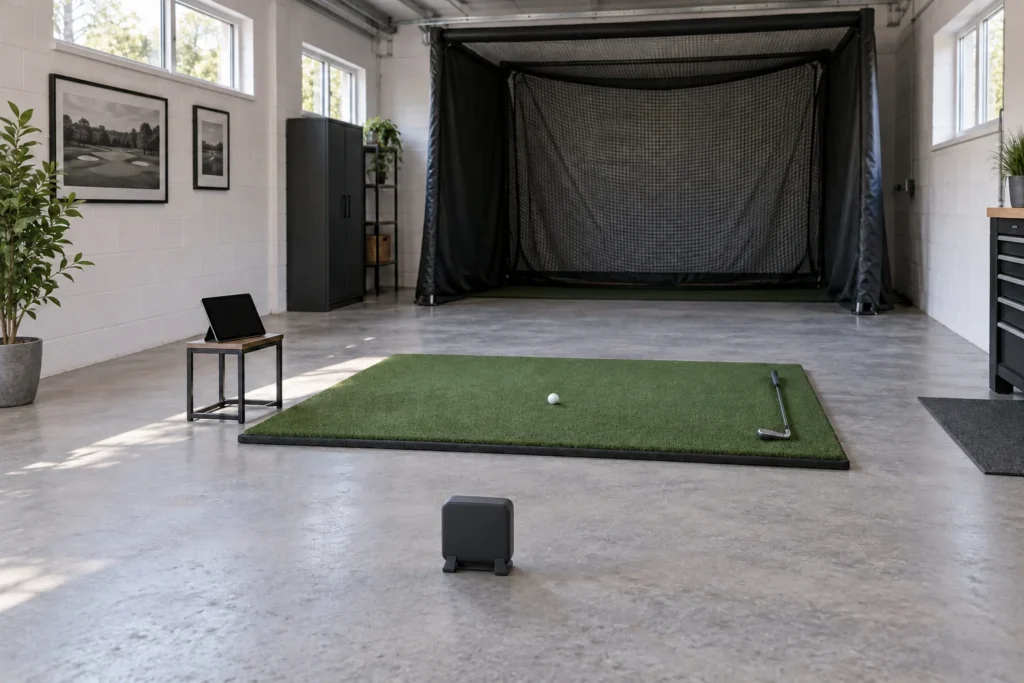
The manufacturers’ depth recommendations work out at about 4.6 m for SC4 Pro and 4.4–5.0 m for MLM2PRO, measured from the unit to the net. Those conversions are rounded; they are not complete room specifications.
You still need room for your swing, side clearance, ceiling clearance and the net or screen’s own safety space. A lower ceiling or narrow bay can rule out both devices even when the depth fits. Mark the ball and monitor positions on the floor and check the full arrangement before buying. Our indoor versus outdoor launch-monitor guide covers that planning step.
Compare the first-year setup and the renewal year
Write down the monitor, mat, net, compatible display device, any required balls and the software you want. Then calculate the following year’s software and replacement-ball costs separately. A cheaper hardware listing can become a more expensive arrangement if it needs purchases you had not included.
October 2026 software context: Rapsodo’s 1 October announcement described revised memberships and mobile/PC software, including continued MLM2PRO support. Check the current UK terms and your chosen platform, rather than relying on an older review’s trial or membership offer. See our launch-monitor subscription checklist for what to include.
Our buying decision
Start with SC4 Pro for independent range practice; shortlist MLM2PRO when its video and connected practice tools solve a specific problem for you. Neither gets a blanket accuracy recommendation from this comparison. Check the model name, included accessories, compatibility and current returns terms on the exact listing before ordering.
If Garmin is still on your shortlist, our R10 versus MLM2PRO comparison covers that alternative buying decision.