
Last updated:
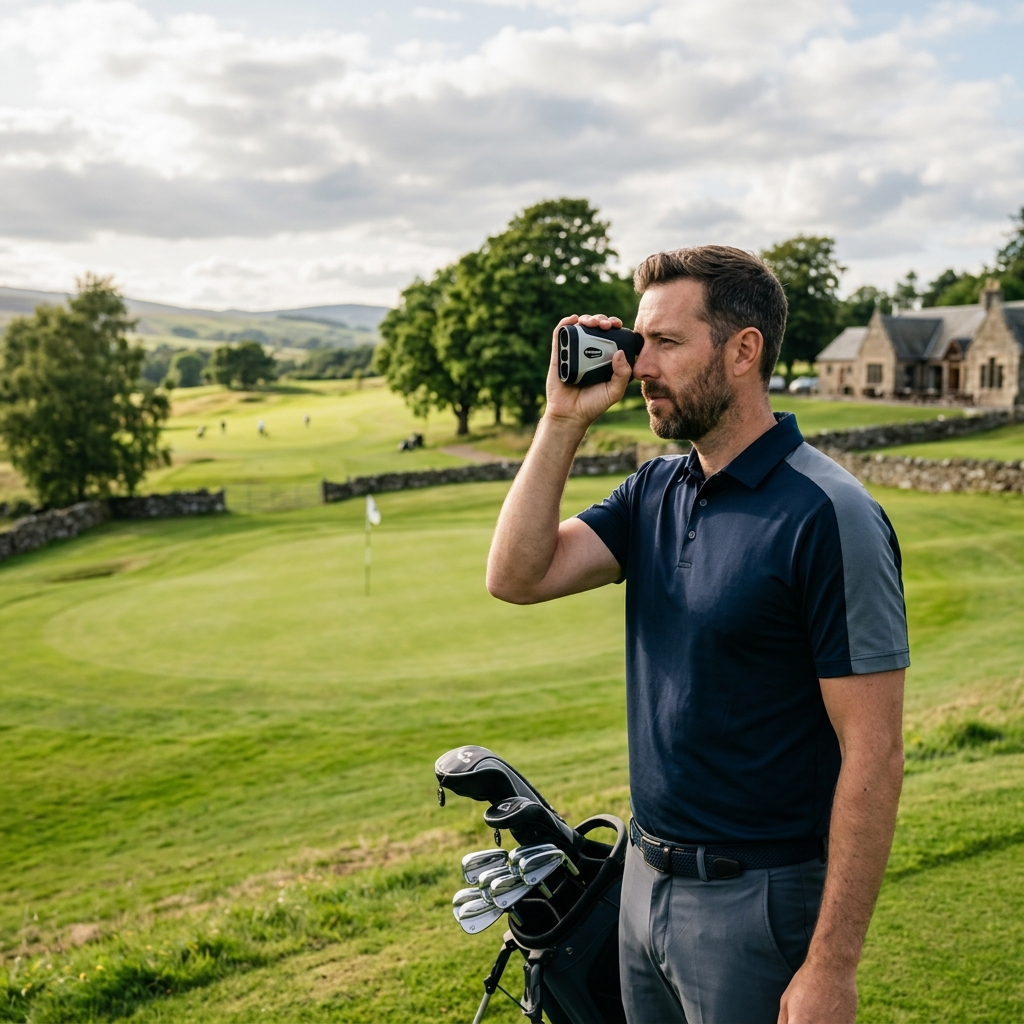
The Shot Scope PRO L2 is a laser rangefinder to consider when you want target distances with switchable slope capability. Start by trying the normal aiming and display routine. The presence of several features does not establish how comfortable the device will be in your hand or whether you can identify the intended target reliably. Compare the exact model and package after that demonstration.
Link disclosure: The manufacturer and support links in this guide are direct information sources. No commission is assumed from them.
Guide checked: 8 September 2026. This article uses the linked manufacturer documentation. We have not carried out hands-on product testing. Check the exact model and current buying terms before ordering.
| Question | What to check | Why it matters |
|---|---|---|
| Ordinary target | Acquire and read a visible flag | Confirm the process feels manageable |
| Slope mode | Identify and switch the active function | Keep raw and adjusted distances clear |
| Optics | Read the display at your normal grip and eye position | Magnification alone does not establish usability |
| Carrying method | Case or suitable magnetic mounting surface | The device should be accessible and secure |
Table of Contents
Read the PRO L2 row of the comparison
Shot Scope’s official UK rangefinder comparison identifies the PRO L2 with 6x magnification, a stated 700-yard range, slope and a cart magnet. Other models on the page have different features. Read across the correct row rather than borrowing a dual-colour display, longer range or tracking capability from another product in the family.
The figures describe the manufacturer’s specification, not our measured result. A maximum distance is also not the same as a promise that you will acquire every flag at that distance in every condition. Base the demonstration on normal approaches and the kinds of targets you will actually use. That makes the comparison more relevant than choosing the largest number in the catalogue.
Test the interface with a clear task
Ask to identify a flag, read the distance and repeat the measurement without changing your grip unnecessarily. Include a target with background detail so you can see how you distinguish the intended object. If you wear glasses for golf, use them during the demonstration. Follow the focus and operating instructions rather than assuming the first display setting suits everyone.
Pay attention to uncertainty. If you are not sure what was acquired, take time to check the target and repeat the reading. A number that looks reasonable can still belong to background detail. The buying question is whether the device helps you resolve that uncertainty through an understandable routine, not whether a sales description calls acquisition effortless.
Keep slope use and competition conditions separate
The UK comparison describes a switch for disabling slope. Learn where it is and how to recognise the active mode before using the device in an event. Consult the current R&A Rule 4.3 and the competition’s conditions; ordinary distance information and elevation measurement have different restrictions.
In permitted practice, an adjusted number can be a reference to investigate alongside your own shot outcomes. It is not a personal fitting result or a command to select one club. Keep the raw target distance, adjusted estimate and your own intended flight conceptually separate. A feature is useful when you understand what it contributes to the decision.
Plan how you will carry and retrieve it
If you intend to use the cart magnet, check an appropriate surface and follow the mounting instructions. A magnet does not establish compatibility with every trolley frame or attachment point. For walking, try reaching the case where you normally keep it. The device should be easy to retrieve without repeatedly rearranging the bag.
Create a simple end-of-round habit that includes removing the rangefinder from any hired cart. Keep its storage location consistent while travelling so you notice when it is missing. These small routines affect the value of an accessory more than a feature that looks appealing but rarely changes how you play.
Compare the complete offer and ownership routine
Check the exact model name, supplied accessories, power specification and seller’s support arrangements. For used equipment, inspect the optics, buttons, case and power compartment and ask for a working demonstration. Resolve any missing accessory before comparing the total with a complete new package. We do not quote an evergreen price or promise that a promotion will remain available.
The rangefinder buying guide puts the PRO L2 alongside other types of distance device. Choose it if the display, controls and ordinary target routine meet your needs at a sensible complete cost. If those basics are uncomfortable, investigate an alternative interface before treating slope or a mounting magnet as the deciding feature.