
Last updated:
Choose a Nikon golf rangefinder by the feature you will use repeatedly: a steadier view, a convenient magnetic mount, or a straightforward distance reading. COOLSHOT is Nikon’s golf family; the other laser products in its catalogue serve different purposes. Compare the complete model name, including generation, before buying. A 50i and a 50i GII are separate listings, and the letter i matters when comparing slope functions.
Link disclosure: The manufacturer and provider links in this guide are direct information sources. We receive no commission through these links.
Guide checked: 9 September 2026. This guide compares the linked published information. We have not carried out hands-on product testing. Model details and service features refer to the sources identified below.
| Option | Published distinction | Buyer decision |
|---|---|---|
| PROIII STABILIZED or LITE STABILIZED | Stabilised models listed in Nikon’s UK range | Try the view and controls; compare the exact generation |
| 50i GII | Magnetic mount, OLED and slope/actual-distance modes | Decide whether mounting and screen visibility help your routine |
| 20i GIII | ID slope compensation in the named model | Check how slope is disabled for the round |
| 20 GIII | Separate model from the 20i GIII | Do not import the i-model feature list |
Table of Contents
Begin with the way you use a laser
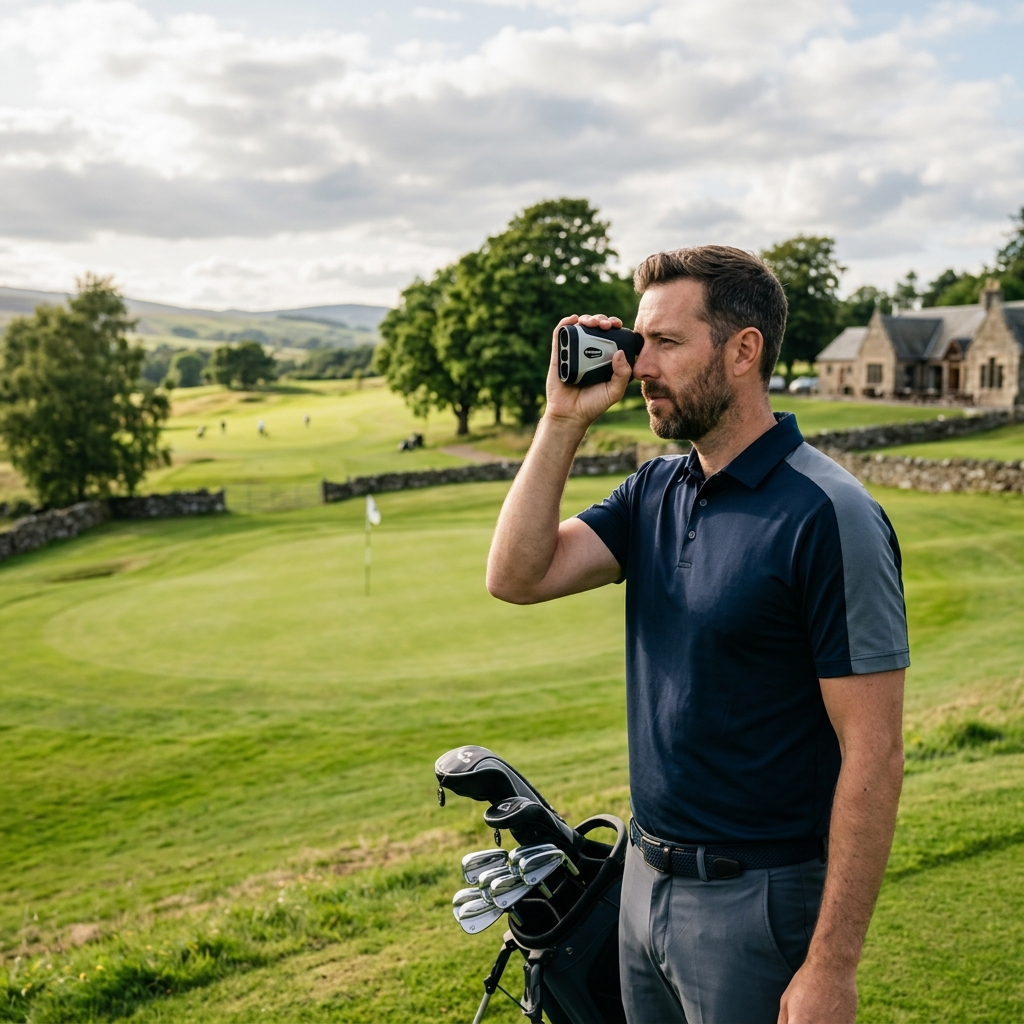
A useful rangefinder should be easy to retrieve, aim and put away while you are preparing your shot. Think about whether you carry your bag, push a trolley or ride in a buggy. A feature that is convenient on a metal buggy frame may have little value if the device normally lives in a zipped pocket. The Nikon UK range makes a better starting point than an advert that shortens every product to COOLSHOT.
Make screen readability part of the comparison. Look through the eyepiece with the glasses or sunglasses you normally wear, adjust the focus and check that the numbers are comfortable to read. A specification table cannot tell you whether a particular display colour and brightness works for your eyesight. Avoid choosing only by the largest maximum-distance figure: the target you need to identify matters more than an impressive distance to a large reflective object.
50i GII: mounting and feedback
The 50i GII product page identifies an OLED display, a built-in magnet, slope compensation and visual plus vibration feedback when its target-priority system locks on. These are manufacturer-described functions, not our accuracy test results. For a buyer, the practical question is whether they make the device easier to use without adding unnecessary settings.
A magnet also creates a separate care decision. Nikon provides specific precautions for medical devices and electronic media, and says to confirm that a mounted unit is secure against movement. Read those instructions before choosing a magnetic model. If you carry clubs, test whether the supplied case is accessible on your bag; repeatedly taking the unit out of an awkward pocket can matter more than a mounting feature you never use.
Stabilisation and slope solve different problems
Stabilisation concerns holding the view and ranging system steady. Slope compensation concerns an adjusted distance for elevation. Having one feature does not establish that every other COOLSHOT function is present. The PROIII STABILIZED and LITE STABILIZED names identify a stabilised route within Nikon’s catalogue, but their complete specification sheets should be compared rather than treating them as identical except for price.
The 20i GIII description explicitly includes ID slope compensation. Keep that distinct from the similarly named 20 GIII. When looking at used or clearance equipment, ask for a photograph of the model label and the actual controls. A seller’s generic COOLSHOT description may combine features from several generations, especially when an older PROII listing appears beside PROIII results.
Use the correct mode on the course
For competition, check the event’s equipment conditions and use the permitted distance functions. The R&A equipment rule distinguishes ordinary distance information from prohibited uses such as measuring elevation changes. A manufacturer’s competition indicator is a useful control cue; it does not replace checking the conditions of your round. Learn the switch sequence before arriving on the first tee.
Take a second reading if the number is inconsistent with the scene. A laser measures the object targeted, so foreground branches and background features can still complicate the task. Use familiar course information as a reasonableness check without assuming that a GPS distance to the middle of a green should equal a laser reading to the flag.
What to check before ordering
Record the full COOLSHOT name, chosen retailer, included case and battery arrangements. For a used unit, request clear photographs of the optics, eyepiece, battery compartment and exterior, plus confirmation that measurement and mode buttons work. Return terms are particularly useful if you cannot try the view beforehand. Choose the combination you can operate comfortably, rather than paying for every feature simply because it appears higher in the catalogue.
Related guides
Continue with Golf Rangefinders UK: How to Choose a Laser Distance Device and Golf Rangefinder Slope: What the Adjusted Distance Means.