
As an Amazon Associate I earn from qualifying purchases.
G82 is the more relevant upgrade when you want a larger handheld display, dedicated putting metrics and bag-mapping tools alongside course GPS. A working G80 can still serve basic range warm-up and yardage duties. Choose from the practice task you would add, rather than assuming the newer handheld is a complete simulator or club-fitting launch monitor.
Research-based buying guidance, checked September 13, 2026. We have not tested this setup in person.
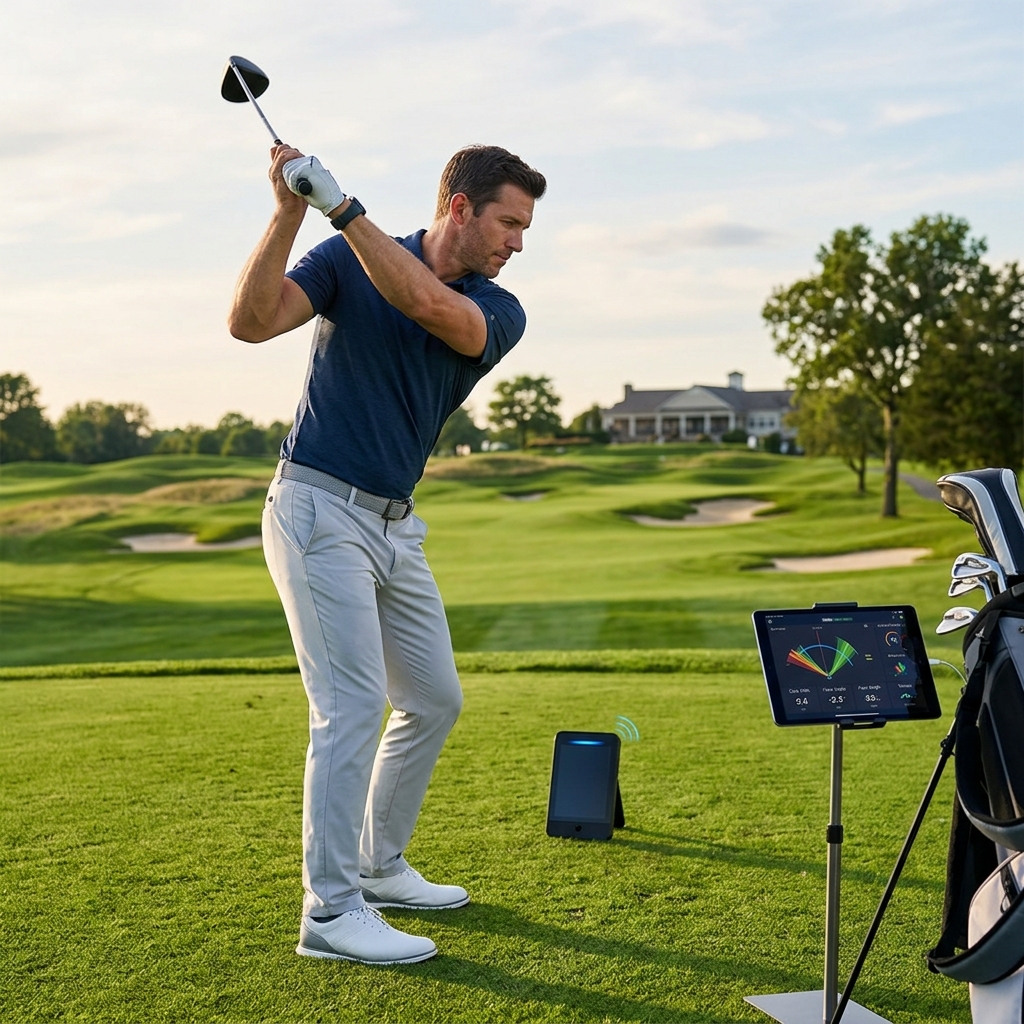
Table of Contents
What changes in the product role?
Garmin’s G82 announcement emphasizes its 5-inch display and added putting and bag-mapping functions. The G80 specification identifies a 3.5-inch touchscreen. Both combine a handheld golf GPS with radar practice functions, but they do not have identical training capabilities.
| Task | G80 baseline | G82 reason to consider |
|---|---|---|
| Read course and practice information | 3.5-inch display | 5-inch display |
| Basic range warm-up | Radar speed, tempo and estimated distance | Continues the range-practice role |
| Analyze putting stroke | Not the dedicated new putting mode | Putting speed, tempo and stroke information |
| Build a club distance record | Review existing practice workflow | Dedicated bag mapping and caddie integration |
| Premium course imagery | Do not assume current parity | Check paid imagery/contour features |
Separate measured speed from estimated distance
The G80 manual and G82 manual describe estimated carry and roll in their driving functions. That wording matters when comparing the display with a marked range or another launch monitor.
Use consistent balls and conditions when comparing your own sessions. Range-ball behavior and the selected roll setting can affect how useful a distance estimate is. Do not present a favorable single number as a new guaranteed on-course carry distance.
Putting is the distinctive new practice question
If putting metrics are the reason to upgrade, ask for a demonstration of the complete setup and the data it returns. G82’s putting routine uses a different placement from its driving-range routine. Follow the correct mode instructions rather than leaving the device where it was for full swings.
Decide what you and your coach would do with stroke-length, speed or tempo information. Collecting a number does not identify the cause of every missed putt. A useful session has a repeatable task and a clear reason for comparing the results.
Bag mapping needs a representative sample
Build club records from shots that reflect the task you want to learn, and keep carry separate from total distance. Do not mix partial wedges with full swings under an indistinguishable label. Note the ball and conditions so later sessions can be interpreted fairly.
Our club-distance worksheet offers a simple way to keep the measurement context alongside a digital record. If a number looks implausible, check setup and recording before changing the club.
Try the larger handheld in its actual location
Read the screen from the proposed cart mount or carrying position. A larger display can be easier to inspect, while a larger device may change where you store it and whether an existing case fits. Verify mounts and charging accessories rather than assuming G80 items transfer.
Separate GPS battery life from radar runtime in the current specifications. How long you spend practicing before and after the round changes the relevant battery question.
Check what remains outside the purchase
Garmin identifies aerial imagery and green contours as membership extras on G82. Obtain the current US offer if those features matter. The launch-monitor label does not establish compatibility with your intended simulator application; ask about the exact software connection before buying for that purpose.
These affiliate links open Amazon US search results for the named equipment or accessories.
Check the exact model, generation and seller. Results can include alternatives; a search link does not confirm availability. Use the official supplier links for specialist products and services.
Keep G80 when its existing functions meet the task and its condition is sound. Consider G82 when the larger display or specific new practice tools will be used regularly. Our distance-tools hub helps compare this combined handheld role with a separate watch and launch monitor.
Sources and method
We checked Garmin G82 US announcement, Garmin G80 US specification, Garmin G80 owner manual, Garmin G82 owner manual. Product facts come from these official sources; the decision steps are our editorial guidance. Confirm the exact US package and current terms before ordering.