
Last updated:
The Garmin Approach G80 makes most sense when you want a handheld course GPS and simple radar practice feedback in one device. Its touchscreen can support course planning, then its radar modes provide speed, tempo and estimated distance information during practice.
It is a different proposition from a dedicated simulator launch monitor. Choose it for the combined routine you will use, and understand the limits of the distance estimate. Its near-ball radar position also differs substantially from Garmin’s rear-positioned R10, so use the G80’s own instructions.
Link disclosure: The manufacturer and support links below are direct information links. No affiliate commission is assumed from them.
Guide checked: 9 September 2026. This article uses the linked manufacturer information. We have not carried out hands-on testing. Confirm the exact version and current buying terms before ordering.
| Task | G80 feature | Limit to understand |
|---|---|---|
| Plan an approach | Mapped course view and touch targeting | Mapped yardage is different from measuring an actual flag with a laser |
| Review a warm-up | Speed, smash factor, tempo and estimated distance | The estimate is not a measured landing point |
| Practise tempo | Backswing/downswing timing feedback | Timing alone does not describe the whole swing |
| Play a practice game | Target Practice and Virtual Round modes | These are practice modes, not a full simulator package |
| Set up radar | Within 0.3m of ball, level and in line | Do not copy the R10’s rear placement |
Table of Contents
Start with the on-course role
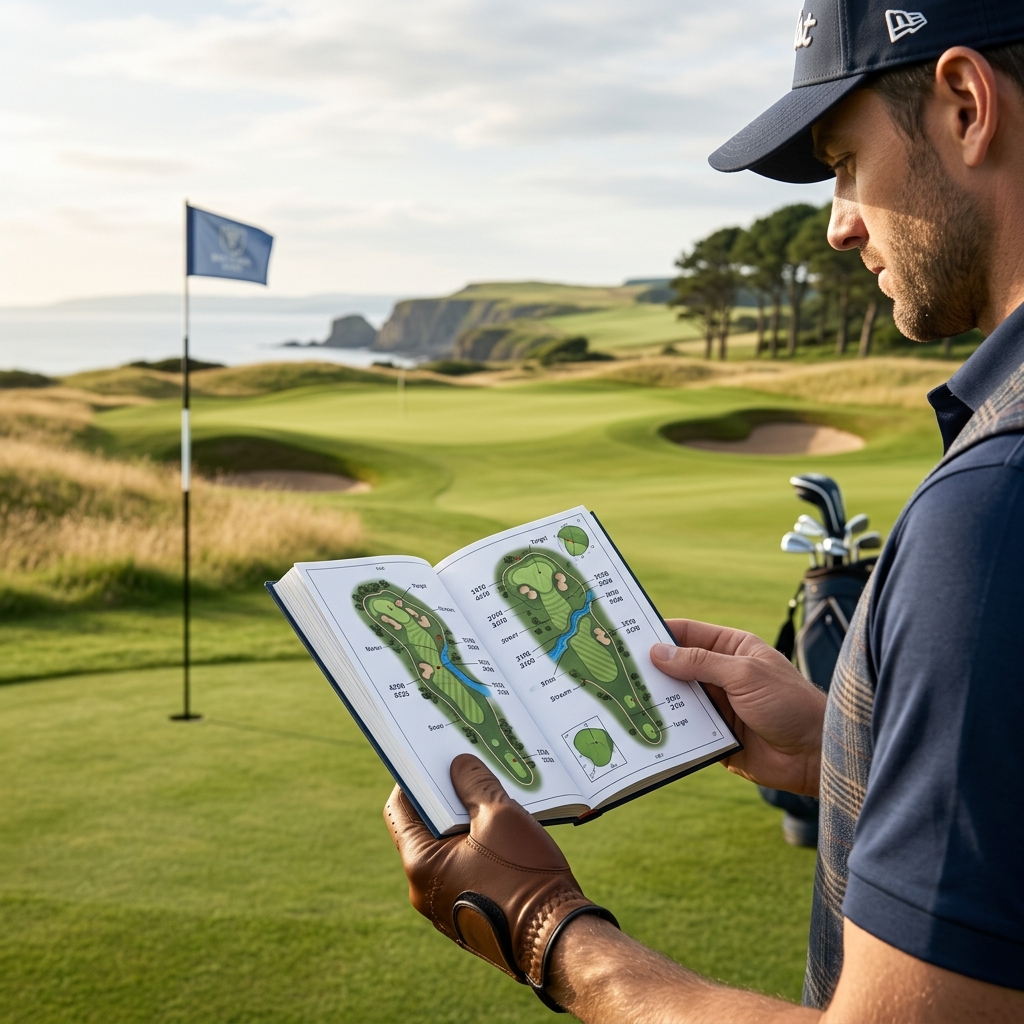
Garmin’s original product description explains touch targeting, which lets you select a point on the displayed course, and Green View, which lets you adjust the pin position on the green. These functions are relevant when you want to think through a landing area or the amount of green around a target.
A moved on-screen pin is still a selected map position. It is not a laser measurement of the flag you can see. Consider whether that planning style suits you better than a watch glance or a handheld laser. If you already have reliable course yardages in another format, judge how much additional value the G80’s practice function provides.
Use the G80’s own radar placement
The manual places the device on the ground within 0.3 metres, or one foot, of the ball, in line with the golfer and ball and at the same level. It also describes using the recess in the back to rest the unit on a golf ball for a better viewing angle.
That close position is a specific instruction for the G80. It should not be replaced with a layout copied from a radar unit designed to stand several feet behind the hitter. Set up in a suitable practice area, check that the device is outside the club’s path and follow the on-screen prompts for the chosen mode.
Read estimated carry and roll correctly
Warm-Up displays an estimated carry figure or estimated carry plus roll. The manual explains that its roll calculation cannot detect all the differences arising from the ball, club, ground conditions, launch and spin. The adjustable roll factor changes that estimate; it does not add a new measurement of the shot’s actual landing and bounce.
This makes the output better suited to a controlled practice comparison than to proving an exact stock yardage on every course. Keep the selected mode consistent and compare several normal shots. Confirm important carry gaps through observed ball flight rather than adjusting a setting until one display matches a distance you hoped to see.
Separate a rehearsal from a struck shot
Garmin states that a Warm-Up swing without striking a ball displays only club-head speed and tempo. Use that feedback for a practice task that actually concerns those quantities. A faster rehearsal does not establish improved contact or a longer playing shot.
For struck shots, choose one question to investigate, such as whether a tempo change makes your usual strike more repeatable. Keep a note of the club, ball type and session purpose. Avoid combining several swing experiments and then attributing every changed number to the last instruction you tried.
Decide whether the practice games add value
The G80 includes Target Practice and Virtual Round alongside Warm-Up and Tempo Training. Those modes may make an ordinary range visit more purposeful if you enjoy working towards a target or playing a distance-based challenge. They should be evaluated as the G80’s particular practice experience.
Do not infer a full home simulator installation from the words Virtual Round. If your goal is projected course play with detailed directional analysis, ask for the exact software and display workflow you need and compare a system built for that purpose. A device is useful when its actual modes fit your routine, rather than when its feature names sound similar to another product.
Check a new or used package before choosing
Ask to see the touchscreen, charging connection, course display and radar mode working. Confirm the supplied mounts, charging equipment and the route for current software and course updates. For a used device, request recent battery-use history and inspect the screen and controls in person where practical.
The manufacturer introduction linked below is historical evidence for the device’s design, not a claim about today’s price, map count or availability. Choose the G80 when a separate handheld map and straightforward practice feedback are both useful to you. If you need only one of those functions, compare a dedicated device for that task before paying for a combined format.
For the alternative of yardages on your wrist, see our UK golf GPS watch guide. For a home installation, start with what a golf simulator includes.