
As an Amazon Associate I earn from qualifying purchases.
HomeCourse ProScreen180 is worth considering when retracting the screen genuinely helps return a garage to another use. A fixed enclosure is simpler to leave ready for frequent golf. Compare the whole changeover routine: retracting a screen does not automatically store the mat, monitor, computer and projector.
Research-based buying guidance, checked September 13, 2026. We have not tested this setup in person.
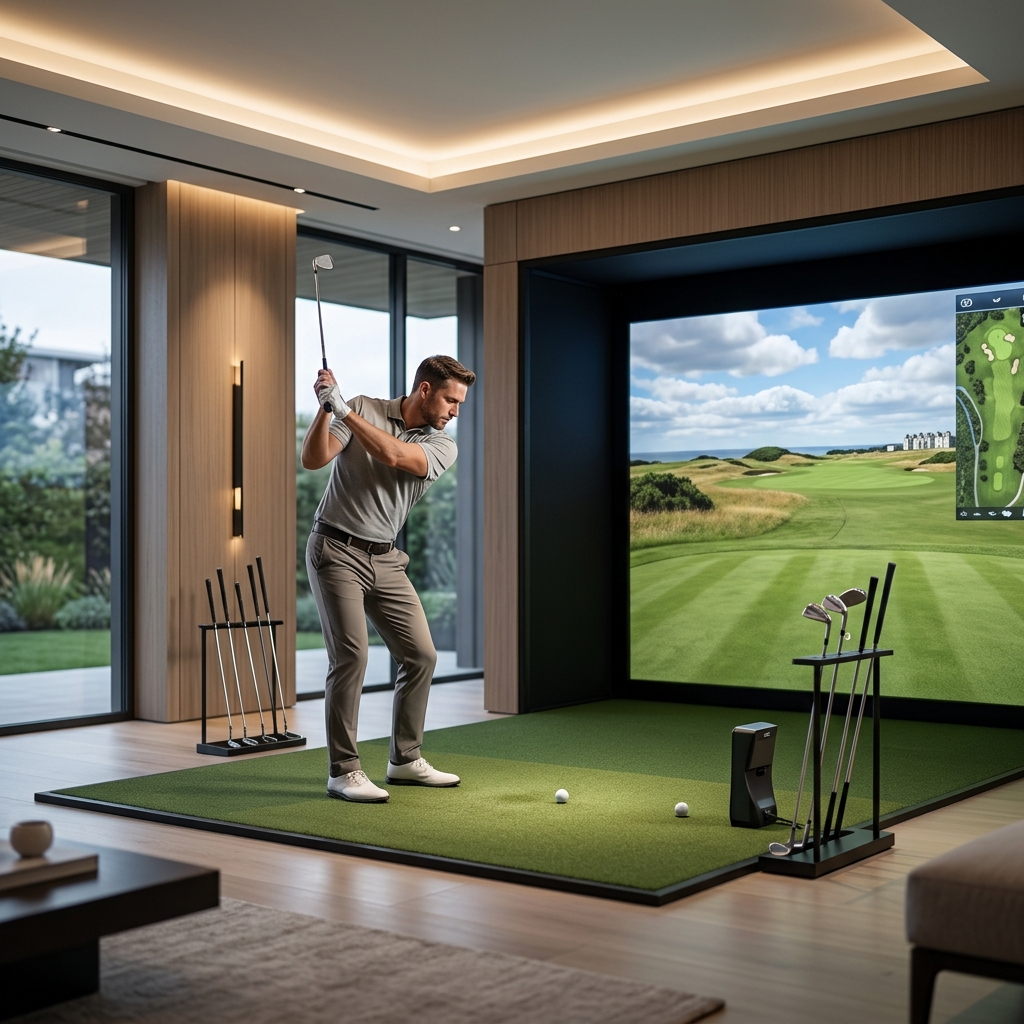
Table of Contents
What retracts, and what stays in the room?
HomeCourse’s ProScreen180 description identifies a retractable screen, remote control and folding Pro Arms with upper netting. The monitor and projector are separate parts of the simulator. A fixed DIY enclosure instead occupies its assembled footprint until you dismantle or move it as permitted by its instructions.
| Task | Retractable HomeCourse arrangement | Fixed enclosure arrangement |
|---|---|---|
| Store the screen | Use approved retraction workflow | Usually remains assembled |
| Store the mat | Separate task | Can remain if room dedicated |
| Protect electronics | Plan monitor and PC storage | Plan protection in permanent location |
| Garage access | Check stored and deployed clearances | Check fixed footprint against other use |
| Next session | Reposition and verify equipment | Check alignment and condition before use |
Map the garage door in both positions
Include the moving door, tracks, opener, lighting and storage shelves on the plan. Check the proposed mounting and deployed screen against the complete door movement. A screen that fits when the door is closed can still obstruct another part of normal garage use.
Obtain the current installation guide for the exact ceiling, wall or rack mounting arrangement. Have the supporting structure assessed where necessary. Do not take a broad room-dimension claim on a marketing page as proof that your garage is suitable for either the screen or a full golf swing.
Time a complete setup rather than only the motor
List every task required before hitting a ball: move other items, deploy the screen and side protection, position the mat, set up the monitor, connect software and check the target line. Repeat the list in reverse for storage.
Ask a supplier to demonstrate that full routine, including the equipment you intend to add. A fast screen retraction can be useful while the entire room conversion remains inconvenient. Conversely, a few clearly marked positions can make a modest setup routine manageable.
Our simulator equipment overview identifies the components that remain outside the screen purchase.
Check projection and containment together
Confirm the usable projected area in the intended Pro Arm configuration and compare it with the projector’s optics. Do not assume every extended configuration has the same visible rectangle or that a wider picture automatically provides the protection your shot pattern needs.
Keep the projector and its support out of the swing and ball paths. If it moves between sessions, establish repeatable placement and recheck the picture. Our projector guide explains why throw and image alignment should be planned before mounting.
Plan the storage condition
A garage can expose equipment to dirt, moisture and temperature changes. Follow the screen and electronics manufacturers’ storage limits. Do not retract dirty or damp material into a housing without checking the care instructions, and keep the mechanism accessible for inspection.
For a fixed enclosure, inspect the screen, tension and protection regularly and keep stored objects away from it. Leaving the bay assembled does not mean it can become a shelf for tools or household items between rounds.
Choose for frequency and the competing use
These affiliate links open Amazon US search results for the named equipment or accessories.
Check the exact model, generation and seller. Results can include alternatives; a search link does not confirm availability. Use the official supplier links for specialist products and services.
Choose ProScreen180 when its confirmed mounting and full storage routine let the room serve both uses effectively. Choose a fixed enclosure when the footprint can remain in place and readiness matters more. Price all mounting, protection and storage items, then make the decision from the actual room rather than the screen’s most convenient feature.
Sources and method
We checked HomeCourse ProScreen180 specifications, Carl’s Place DIY enclosure kit. Product facts come from these official sources; the decision steps are our editorial guidance. Confirm the exact US package and current terms before ordering.