
Table of Contents
What is a Golf Launch Monitor and Why Do You Need One?
A golf launch monitor is a device that uses either radar or camera technology to track the key metrics of your golf swing and ball flight. These metrics include ball speed, launch angle, spin rate, carry distance, and club speed. Traditionally, this kind of detailed analysis was reserved for professional golfers with access to expensive, complex equipment. However, the technology has rapidly evolved, becoming more compact, accurate, and crucially, more affordable.
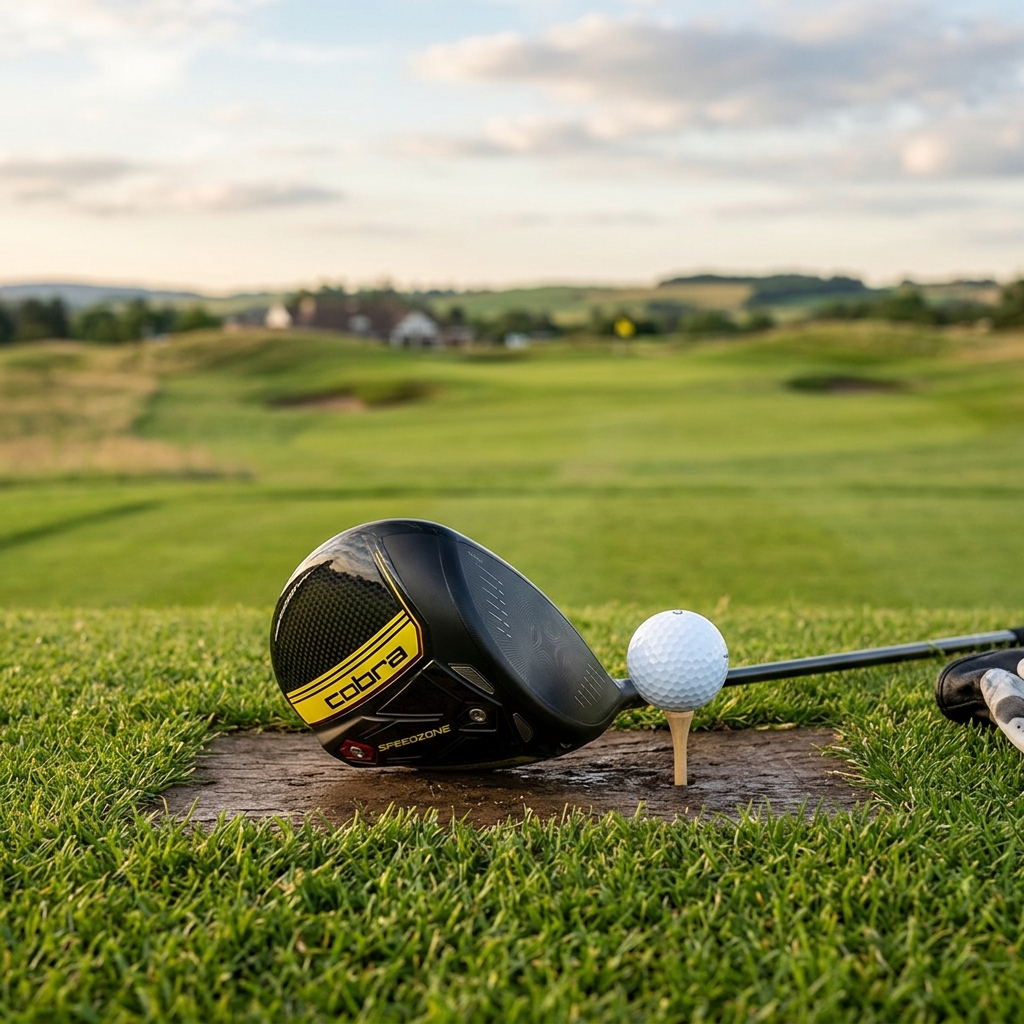
Why do you need one? Whether you’re a beginner trying to build a solid foundation, an intermediate golfer looking to shave strokes off your handicap, or an experienced player fine-tuning your game, a launch monitor provides invaluable insights. It allows you to identify weaknesses in your swing, understand the impact of equipment changes, and ultimately, improve your performance through data-driven practice. It’s like having a personal swing coach in your pocket.
Key Features to Consider When Buying a Launch Monitor
Choosing the right launch monitor isn’t just about price. Here’s a breakdown of the key features to consider:
- Radar vs. Camera Based: Radar models (like the Swing Caddie) are generally more versatile, working indoors and outdoors. Camera-based systems (like Rapsodo) often require a controlled indoor environment and a net.
- Data Accuracy: Accuracy varies significantly with price. Expect higher-end models to provide more precise measurements.
- Portability: Consider weight and size if you plan to take it to the range frequently.
- Indoor/Outdoor Use: Some monitors perform better in specific environments.
- Connectivity (Bluetooth, App Compatibility): Essential for data analysis and tracking progress. A good app is crucial for usability.
- Power Source: Battery life and charging options are important.
- Ease of Use: A complicated setup or unintuitive interface can be frustrating.
These features all impact price. More accurate radar systems, robust app integration, and comprehensive data sets will typically command a higher price point.
Top 5 Golf Launch Monitors Under £500 (2026)
Here’s a comparison of five leading launch monitors available in the UK market in 2026:
| Model | Price (Approx.) | Technology | Data Metrics | Indoor/Outdoor | Connectivity |
|---|---|---|---|---|---|
| Rapsodo Mobile Golf Simulator | £449 | Camera | Ball Speed, Launch Angle, Spin Rate, Carry Distance, Club Speed, Ball Flight | Indoor (with net) | Bluetooth, Mobile App |
| Swing Caddie SC300i | £399 | Radar | Ball Speed, Carry Distance, Club Speed, Swing Speed, Launch Angle, Smash Factor | Indoor/Outdoor | Bluetooth, Mobile App |
| Blast Golf Sensor | £249 | Motion Sensor | Swing Speed, Club Path, Face Angle, Tempo, Swing Plane | Indoor/Outdoor | Bluetooth, Mobile App |
| Arccos Golf Smart Sensors | £349 | Shot Tracking Sensors | Distance, Accuracy, Greens in Regulation, Fairways Hit, Putts | Outdoor (On Course) | Bluetooth, Mobile App |
| TruGolf Mini Golf Simulator | £499 | Radar | Ball Speed, Carry Distance, Club Speed, Launch Angle | Indoor | USB, Software |
Detailed Review: Rapsodo Mobile Golf Simulator (2026)
Price: £449
The Rapsodo Mobile Golf Simulator delivers surprisingly accurate data for its price point, utilising camera-based technology. It’s particularly strong at measuring spin rate, which is a crucial metric for understanding ball flight. The accompanying app is well-designed and provides clear, concise data visualisation.
Pros: Excellent spin rate measurement, User-friendly app, Realistic ball flight simulation.
Cons: Requires a net for indoor use, Performance can be affected by poor lighting, Limited outdoor usability.
User Experience: Setting up the Rapsodo is straightforward. The app guides you through the process and provides clear instructions. The data is presented in an easy-to-understand format, making it accessible for golfers of all levels.
Detailed Review: Swing Caddie SC300i (2026)
Price: £399
The Swing Caddie SC300i is a highly portable radar-based launch monitor that’s perfect for golfers who want to practice on the range. It provides a good range of data metrics, including ball speed, carry distance, and club speed. It’s incredibly easy to use – simply turn it on and start swinging.
Pros: Extremely portable, Easy to use, Works indoors and outdoors, Affordable price.
Cons: Data accuracy is not as high as more expensive models, Limited data metrics compared to Rapsodo.
User Experience: The Swing Caddie is incredibly user-friendly. The display is clear and easy to read, and the buttons are intuitive. The Bluetooth connectivity to the app is reliable.
Detailed Review: Blast Golf (2026) – Swing & Tempo Sensor
Price: £249
The Blast Golf sensor is different from traditional launch monitors. Instead of measuring ball flight, it attaches to your club and analyses your swing mechanics. It provides insights into swing speed, club path, face angle, and tempo. This is ideal for golfers focused on improving their swing fundamentals.
Pros: Focuses on swing mechanics, Affordable, Portable, Provides valuable swing analysis.
Cons: Doesn’t measure ball flight directly, Requires understanding of swing mechanics to interpret data.
User Experience: Requires downloading the Blast Golf app. The initial setup is quick and simple. The app provides drills and feedback to help improve your swing.
Detailed Review: Arccos Golf Smart Sensors (2026)
Price: £349
Arccos Golf Smart Sensors are a unique offering, attaching to your clubs to track your on-course performance. They gather data on distance, accuracy, greens in regulation, and fairways hit. This allows for detailed shot analysis and provides insights into your strengths and weaknesses on the course. A subscription is required for full data access.
Pros: On-course data tracking, Detailed shot analysis, Helps identify weaknesses on the course.
Cons: Subscription required for full functionality, Doesn’t provide real-time feedback during practice.
User Experience: Easy to install and pair with the Arccos Caddie app. The app provides a comprehensive overview of your game and offers personalised recommendations.
Detailed Review: TruGolf Mini Golf Simulator (2026)
Price: £499
The TruGolf Mini is a compact radar-based simulator designed for indoor use. It’s a great option for golfers who want to practice at home, especially during the winter months. It includes software for basic simulation and data analysis.
Pros: Compact and portable, Includes simulation software, Affordable for a mini simulator.
Cons: Data accuracy is limited, Requires a dedicated indoor space, Software may be basic for experienced golfers.
User Experience: The setup is relatively straightforward. The included software is easy to navigate and provides basic simulation features.
Launch Monitor Accuracy: What to Expect Under £500
It’s important to have realistic expectations regarding accuracy. Launch monitors under £500 won’t match the precision of professional-grade equipment costing thousands of pounds. However, they can provide valuable data for identifying trends and making improvements to your game.
Factors that can affect accuracy include: alignment, swing path, ball position, and environmental conditions. Calibration is also crucial – follow the manufacturer’s instructions carefully. Focus on using the data to identify relative changes in your swing, rather than obsessing over absolute numbers.
Where to Buy & Current Deals (UK, 2026)
You can find these launch monitors at the following UK retailers:
Check these websites for current promotions and discounts. As of November 2026, American Golf is offering 10% off all launch monitors for Black Friday, and GolfBox is bundling the Swing Caddie SC300i with a practice net.
Frequently Asked Questions (FAQs)
Q: How do I calibrate my launch monitor?
Calibration procedures vary by model. Generally, it involves hitting a few shots and allowing the device to establish a baseline. Refer to your device’s manual for specific instructions. Regular calibration is vital for accuracy.
Q: Can I use a launch monitor indoors without a net?
This depends on the monitor. Radar-based models like the Swing Caddie can be used indoors without a net, but you need a sufficient hitting space. Camera-based systems like Rapsodo require a net to capture the ball’s flight.
Q: What data metric is the most important to track?
That depends on your goals. For beginners, club speed and carry distance are good starting points. For more experienced players, spin rate and launch angle can provide more detailed insights.
Q: How often should I use a launch monitor?
Regular use is key to seeing improvements. Incorporate it into your practice sessions 2-3 times per week. Even short sessions can provide valuable feedback.
Q: Are these launch monitors suitable for all skill levels?
Yes! While more advanced players will benefit from the detailed data, even beginners can use these devices to understand their swing and track their progress. The Blast Golf sensor is particularly good for beginners wanting to focus on swing fundamentals.