
As an Amazon Associate I earn from qualifying purchases.
Plan a shared Garmin R50 bay around two golfers’ complete swing paths and a deliberate changeover routine. A left- or right-handed profile is a software setting; it is not evidence that a narrow room or one fixed monitor position will work for both players. Test the physical arrangement before buying a permanent mat or enclosure.
Research-based buying guidance, checked September 13, 2026. We have not tested this setup in person.
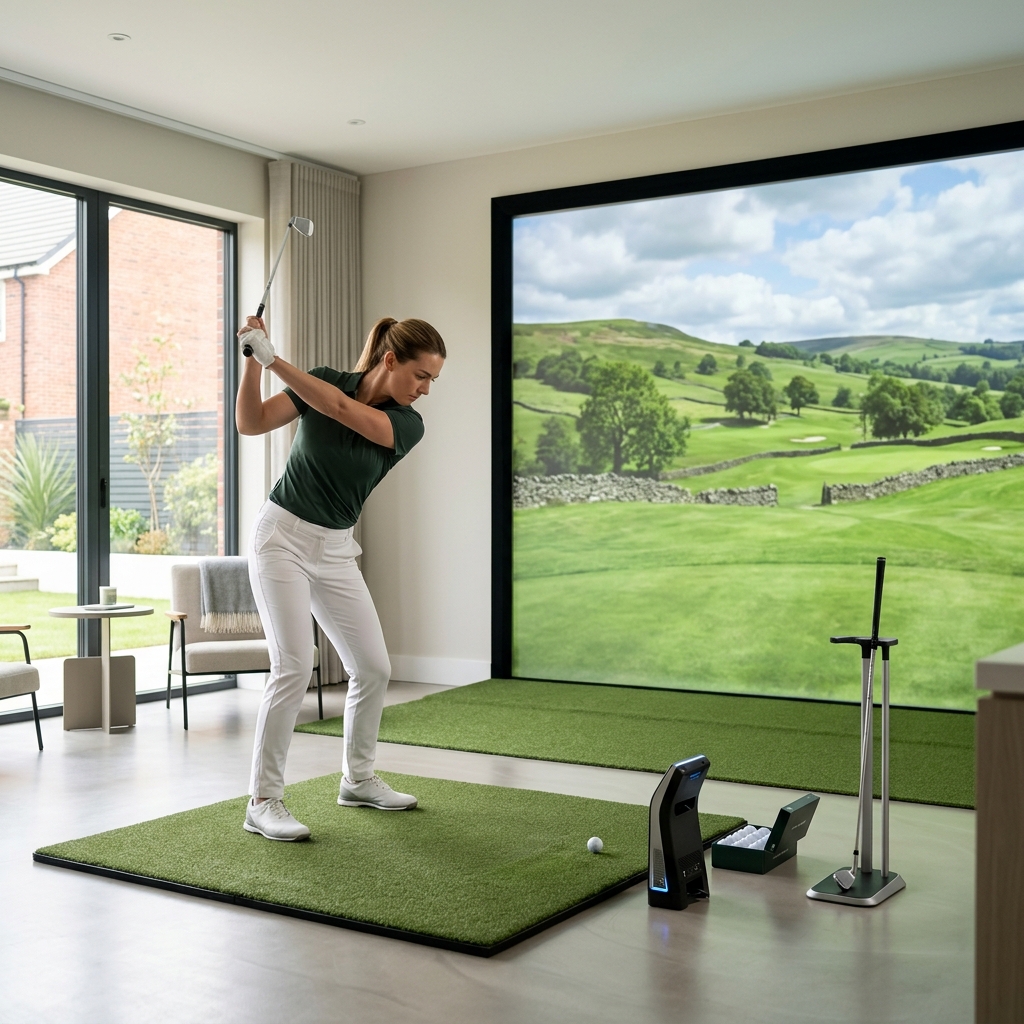
Table of Contents
Start with the ball position, not the screen center
The R50 manual places the monitor beside the ball, facing the tee location, and uses an on-screen hitting area to confirm ball position. It also provides handedness in player profiles. Our practical recommendation is to mark and test the required monitor position for each golfer, rather than assuming a profile change removes the need to reposition equipment.
A centered hitting position is attractive for a shared bay because neither player begins with the room deliberately arranged around the other. However, centered does not mean safe. Each golfer’s stance, backswing and follow-through still need clearance, including overhead obstructions and items outside the enclosure’s front opening.
| Layout item | Right-handed check | Left-handed check |
|---|---|---|
| Ball and hitting strip | Comfortable stance and complete swing | Same checks independently |
| R50 placement | Facing ball with a recognized hitting area | A workable position without blocking the golfer |
| Target line | Alignment matches intended target | Recheck after changing position |
| Cables and spectators | Clear of swing and walking route | Still clear after the handover |
Use a measured trial layout before fixing anything down
Mark the proposed ball, mat edges, monitor and enclosure footprint with removable floor tape. Include the screen’s required rear clearance from its own instructions. Do not substitute the screen supplier’s dimensions for the monitor’s setup requirements, or the monitor’s placement distance for swing clearance.
Evaluate both golfers with the longest clubs they intend to use, in a clear environment where a club cannot strike people or property. If you cannot establish comfortable clearance, stop the layout exercise and change the plan. Do not ask one golfer to shorten an ordinary swing merely to make an expensive enclosure fit.
Our indoor and outdoor monitor guide explains why a device can be suitable for indoor use while a particular room is unsuitable. No universal room-width claim can settle the shared-handedness question.
Make the handover a short, repeatable procedure
Finish the previous shot and keep everybody out of the hitting area while equipment is being moved. Select the correct player and handedness, position the monitor for that golfer, then check the ball appears in the permitted hitting area. Recheck target alignment before treating the next shot as meaningful data.
A small position mark can speed this up, but it is a reminder rather than calibration. Mats can creep and equipment can be nudged. Have each golfer confirm the screen and ball position rather than assuming the previous player completed every step.
Try a short alternating practice session before planning a full multiplayer round. The useful question is whether the changeover feels manageable often enough for the way your household actually plays. An occasional left-handed guest and two players alternating every shot can produce very different buying decisions.
Profiles, saved data and the external display
Garmin distinguishes linked users from guest profiles; guest information remains local under the manual’s described workflow. Decide whether each regular golfer needs their own saved history. A guest name on a scoreboard should not be treated as proof that the session has synced to that person’s account.
If the display uses an offset centerline, verify its effect for each player instead of leaving the first golfer’s preferred view unquestioned. Keep display alignment, monitor alignment and personal handedness as three separate checks. The broader distance-tools guide can help decide which information you want to retain between sessions.
Buy the bay accessories only after both layouts work
These affiliate links open Amazon US search results for the named equipment or accessories.
Check the exact model, generation and seller. Results can include alternatives; a search link does not confirm availability. Use the official supplier links for specialist products and services.
Look for a mat layout that supports both stances, durable position markers and cable management suited to the tested arrangement. Do not rely on a retailer’s phrase “left and right compatible” unless it explains the complete setup. The best shared bay is one both golfers can use comfortably without improvising around the equipment.
Sources and method
We checked Garmin Approach R50 owner’s manual. Product facts come from these official sources; the decision steps are our editorial guidance. Confirm the exact US package and current terms before ordering.