
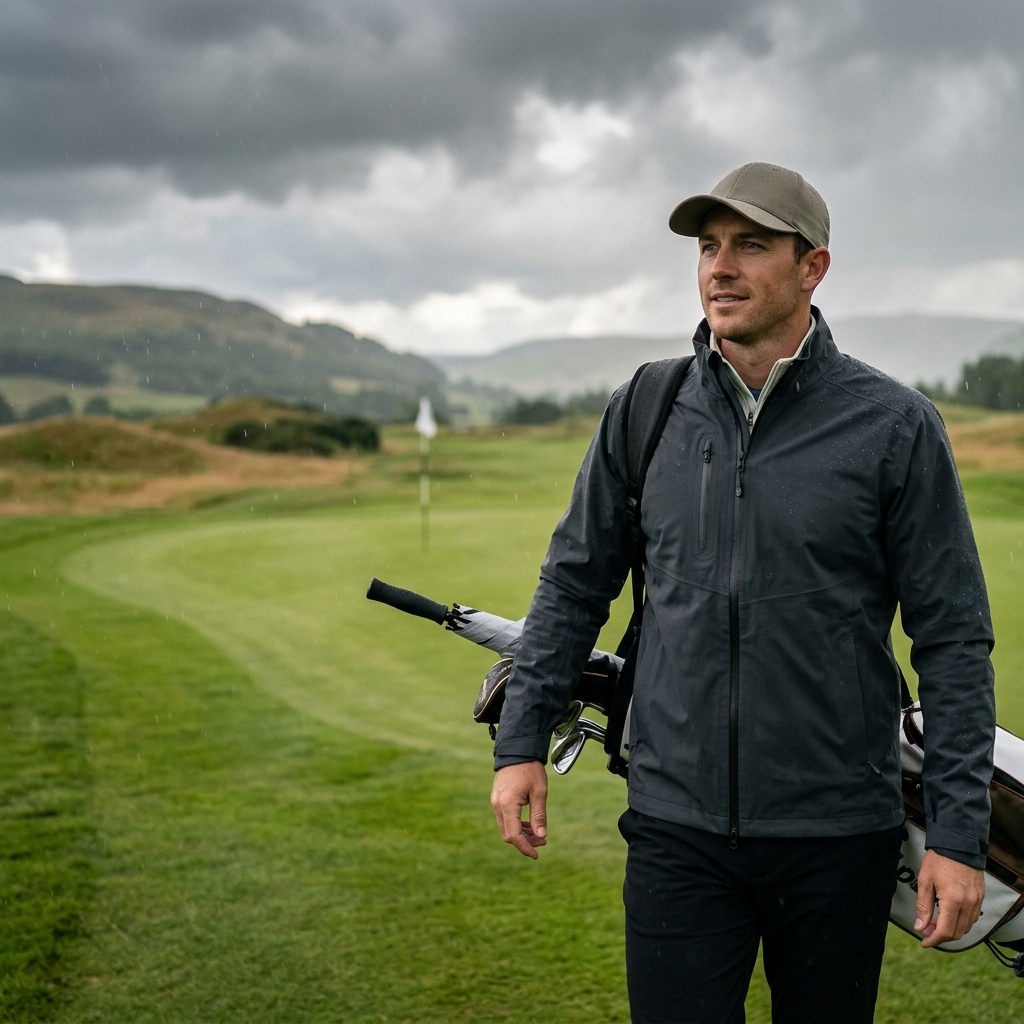
PING Golf Clothing UK: Layers, Fabrics and Fit Choices
Understand PING golf clothing through SensorCool, SensorWarm and SensorDry, with exact garment, layering and fit checks for UK rounds.
Understand PING golf clothing through SensorCool, SensorWarm and SensorDry, with exact garment, layering and fit checks for UK rounds.

Compare Callaway golf clothing by Swing Tech, Opti-Dri, fit and Weather Series roles, with regional range and garment checks.

Choose the Stewart battery only after identifying the cart package and your normal walking day. The current US Q Follow and VERTX selectors label Base as 230Wh and Max as 307Wh. Max stores more energy, but neither label guarantees a fixed number of holes in every combination of terrain, bag load, weather and battery condition.

Choose Nike golf clothing by exact Dri-FIT and Repel garments, with practical checks for polo fit, trouser shape and weather coverage.

Compare Pro T-1 and T-3 at the same intended distance and shot role. T-3 adds a shallow cavity and has a different sole menu, so choose the exact loft and profile in a fitting rather than deciding from the model number.
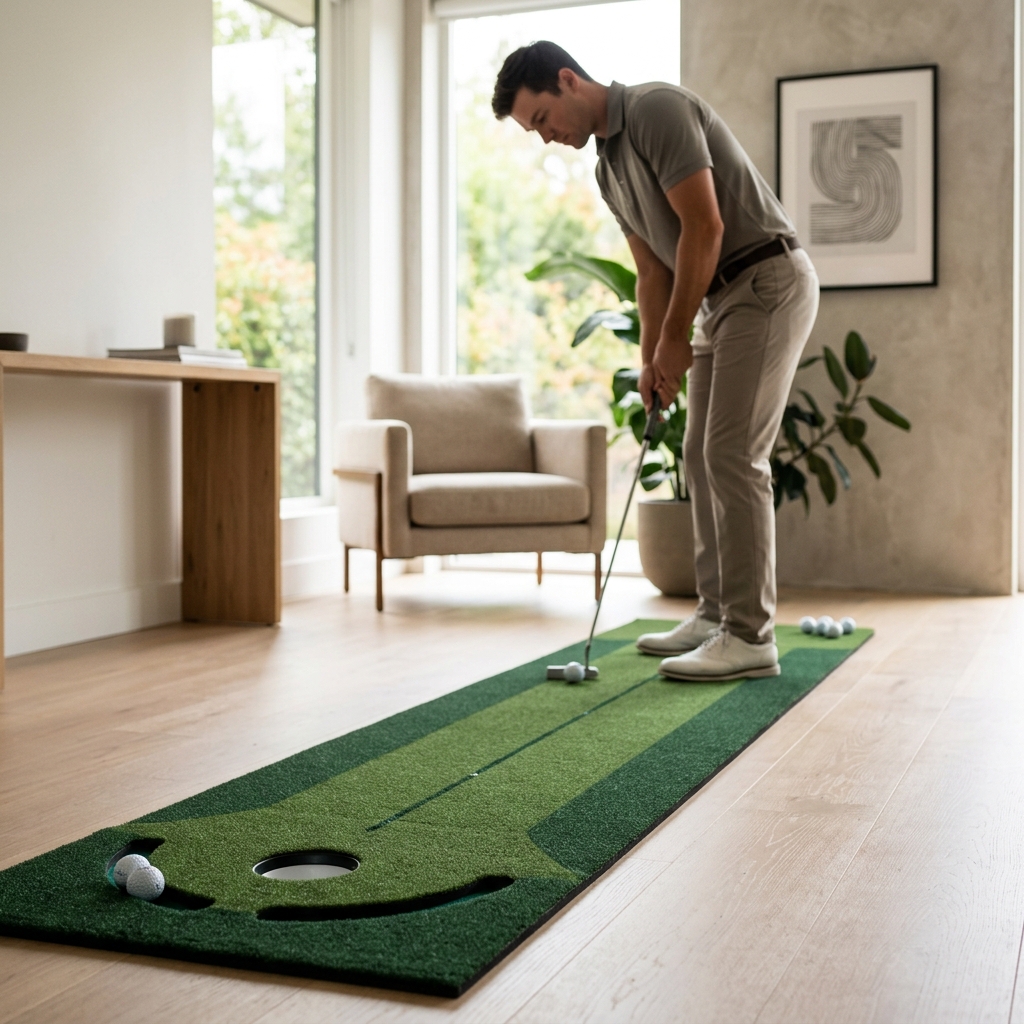
Check handedness before comparing Wellputt Stroke Master and Start. The current models reviewed are described as right-handed only. A left-handed buyer should obtain confirmation of a suitable alternative rather than assuming a printed training layout can simply be used from the other side.