
As an Amazon Associate I earn from qualifying purchases.
Choose Garmin CT1 if you are happy to tap the club tag against a compatible watch before each shot. Choose CT10 if automatic club identification better fits your routine and your device supports it. Both still require sensible setup and score review; automatic tracking does not remove penalties, gimmes or missed shots from the golfer’s responsibility.
Research-based buying guidance, checked September 13, 2026. We have not tested this setup in person.
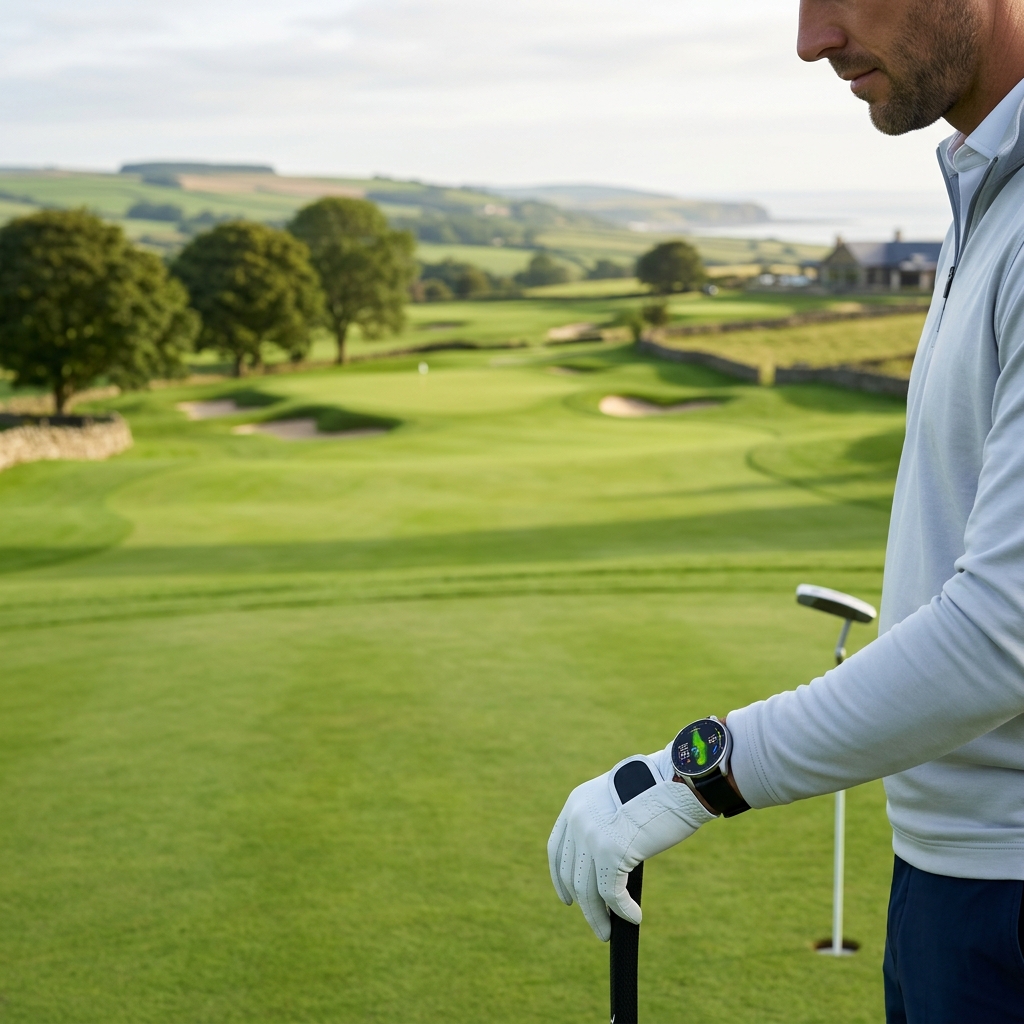
Table of Contents
The important difference happens before the swing
Garmin’s CT1 setup guide asks you to scan the tag with the watch. The CT10 manual describes sensors that wake and connect automatically after clubs leave the bag. Start with the action you will consistently perform rather than a promise to collect more data.
| Decision | CT1 | CT10 |
|---|---|---|
| Club identification | Tap the tag with the watch | Paired sensor identifies the club |
| Power upkeep | Battery-free tags | Powered sensors with battery upkeep |
| Initial setup | Assign tags to the correct clubs | Pair and assign sensors |
| Before each shot | Remember the scan | Confirm normal sensor connection |
| After the round | Review recording and score | Review recording and score |
Check the exact watch before the tags
Use Garmin’s current model-specific compatibility list. CT1 and CT10 have different lists, and support can change with watch software. Owning a Garmin golf device is not enough to establish that both accessories work with it.
The CT1 watch-compatibility guide sets out the checks to make against Garmin’s current support list before ordering CT1 tags for a watch you already own.
For an older watch, compare the cost of compatible sensors with the cost of changing the watch merely to use a different tag. Our shot-tracking guide puts the accessory decision in the context of the complete recording system.
Try the CT1 gesture as a real pre-shot habit
With the club you intend to use, practice bringing the grip tag to the watch without disrupting your normal preparation. Include a wedge and putter, not only the driver. If you change clubs after scanning, make sure the recorded club is corrected before relying on the resulting statistics.
Garmin notes that a missed tap can lead to a prompt, but putts may not trigger that reminder. Treat the pre-shot scan as the routine rather than expecting the watch to rescue every forgotten action. The CT1 specification confirms a battery-free design, which removes one maintenance task but not this user action.
Automatic CT10 still needs a correct bag setup
Assign every sensor to the club it is actually attached to and revisit the assignment when changing equipment. A sensor moved from an old wedge to a new one does not automatically preserve a meaningful distance history unless the club record is handled correctly.
Check what the chosen device supports when using a partial sensor set. Do not assume three sensors provide the same whole-bag recording as a full installation. Garmin’s manual distinguishes devices with and without AutoShot, so the correct configuration depends on the host.
Review the shots that affect the conclusion
After a round, check penalty strokes, conceded putts and obvious missed or misidentified shots. For distance analysis, recognize that on-course shot length reflects the lie, weather, strike and rollout. It is not automatically the same number as launch-monitor carry.
Our distance-tools hub can help you combine course history with measured practice. Look for patterns across comparable shots instead of changing equipment after one unusually long drive or short approach.
Buy for a routine you will maintain
These affiliate links open Amazon US search results for the named equipment or accessories.
Check the exact model, generation and seller. Results can include alternatives; a search link does not confirm availability. Use the official supplier links for specialist products and services.
Choose CT1 when the watch is supported and deliberate tapping feels easy to repeat. Choose CT10 when reducing that action matters more and its sensor upkeep is acceptable. Keep the invoice, verify assignments before the first meaningful round and schedule a short review afterward. Clean records are more useful than a larger collection you never check.
Sources and method
We checked Garmin CT1 getting-started guidance, Garmin CT10 owner manual, Garmin club-tracker model compatibility, Garmin CT1 product specification. Product facts come from these official sources; the decision steps are our editorial guidance. Confirm the exact US package and current terms before ordering.