
As an Amazon Associate I earn from qualifying purchases.
Square Home Edition’s Swing Stick can support no-ball virtual practice, but it cannot replace a real-ball session for checking actual strike, ball speed or carry. Use it for the supported virtual experience and a repeatable movement task, while keeping its results separate from measured shots hit with your normal clubs.
Research-based buying guidance, checked September 13, 2026. We have not tested this setup in person.
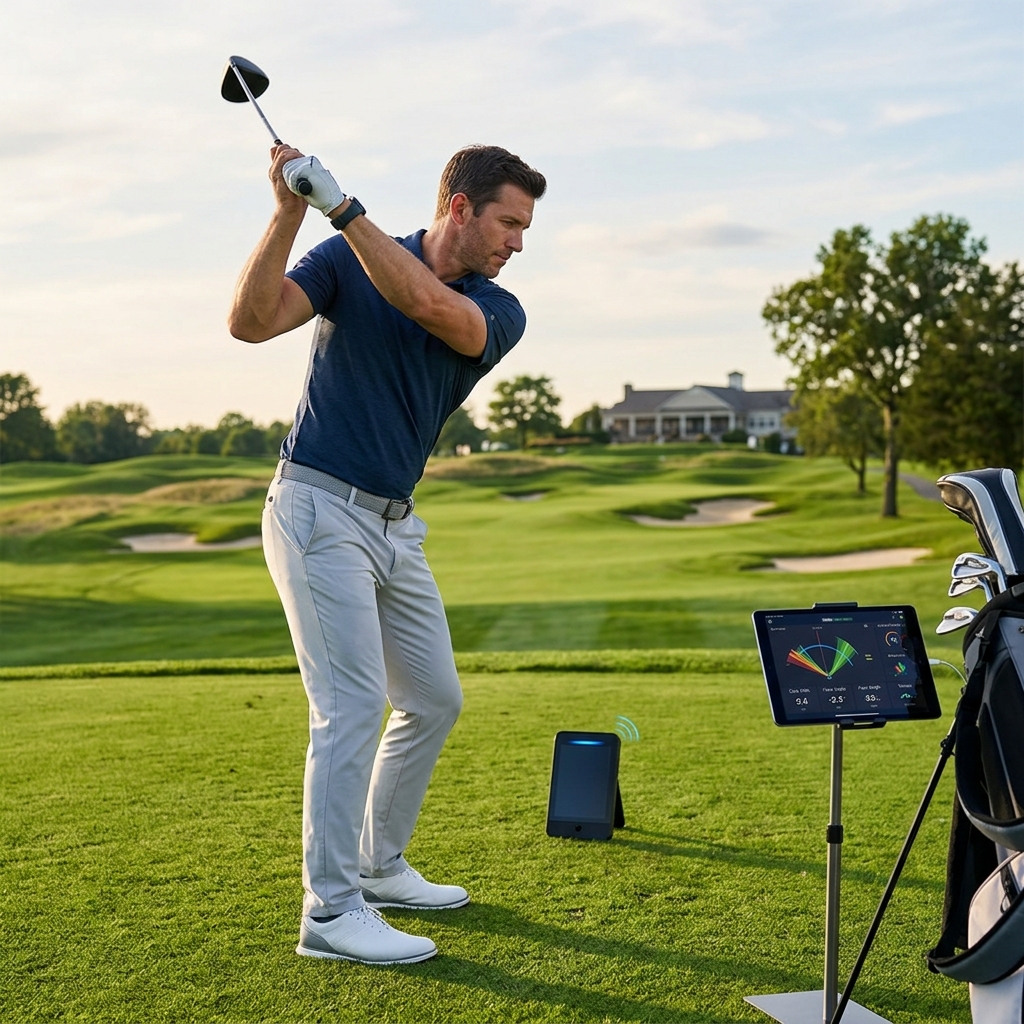
Table of Contents
What the manufacturer describes
Square’s Home Edition page lists the Swing Stick among its components and describes virtual practice and games using the stick’s movement. This is a different input from striking a marked ball with a golf club. A simulated shot on screen should not be entered into your real carry-distance chart as though the ball was physically hit.
Before buying, ask which current Square software modes support the stick and whether the package includes the exact stick and required markers. Do not assume that any shortened training club is recognized in the same way.
| Practice task | Reasonable use | What needs another method |
|---|---|---|
| Learn the virtual controls | Navigate supported games and practice | A real-ball accuracy assessment |
| Repeat a movement task | Observe consistency within the stick mode | Proof of improved contact with a normal club |
| Practice without hitting a ball | Use the documented no-ball workflow | Assurance that any room is safe |
| Build a carry chart | Keep stick results separate | Representative real-ball shots |
Clear the whole movement area
No ball does not mean no physical hazard. The stick still moves through space, and people, furniture, lights or a low ceiling can remain in its path. Follow the manufacturer’s setup and handling instructions and use a clear area appropriate to the person swinging.
Check the whole motion at controlled speed before beginning a virtual game. A child or guest should not assume the room is suitable just because an adult used it. Keep spectators away from the movement area and inspect the equipment before use.
Keep the exercise simple and repeatable
Choose one task for a short session, such as making a controlled movement within the supported mode. Keep the stick, stance arrangement and settings consistent. If the displayed result changes dramatically, check the setup before treating it as a breakthrough.
Record the exercise as stick practice. Mixing it with normal-club data makes it harder to interpret either session. Our home-practice guide offers broader ideas for organizing practice around a clear objective.
Check third-party support separately
Square publishes an Awesome Golf connection route, but that general monitor connection is not proof that every third-party game supports the Swing Stick. Ask the application developer about the specific no-ball mode before buying a separate license for it.
Confirm whether the app expects a real-ball shot, a particular marker or a supported virtual input. A successful Bluetooth connection only establishes that the devices can communicate; it does not settle which kind of swing the selected game understands.
Return to real balls for impact and distance questions
When you want to assess contact, ball flight or usable carry distances, use an appropriate real-ball setup and a representative set of shots. The net versus impact-screen guide explains two containment formats, each with its own setup requirements.
These affiliate links open Amazon US search results for the named equipment or accessories.
Check the exact model, generation and seller. Results can include alternatives; a search link does not confirm availability. Use the official supplier links for specialist products and services.
Buy supporting accessories for the verified workflow. A generic training stick, a tablet stand and a simulator subscription are separate purchases with separate compatibility questions. The Home Edition stick is most useful when its convenient virtual practice serves a specific purpose without being mistaken for a full measurement session.
Sources and method
We checked Square Golf Home Edition, Square Golf Awesome Golf connection guide. Product facts come from these official sources; the decision steps are our editorial guidance. Confirm the exact US package and current terms before ordering.