
As an Amazon Associate I earn from qualifying purchases.
To use Uneekor Swing Optix with AI Trainer, plan the cameras, a compatible Uneekor and PC setup, suitable camera supports, usable USB connections and the correct software entitlement together. The standalone camera package and an AI Studio bundle do not contain the same supporting hardware.
Research-based buying guidance, checked September 13, 2026. We have not tested this setup in person.
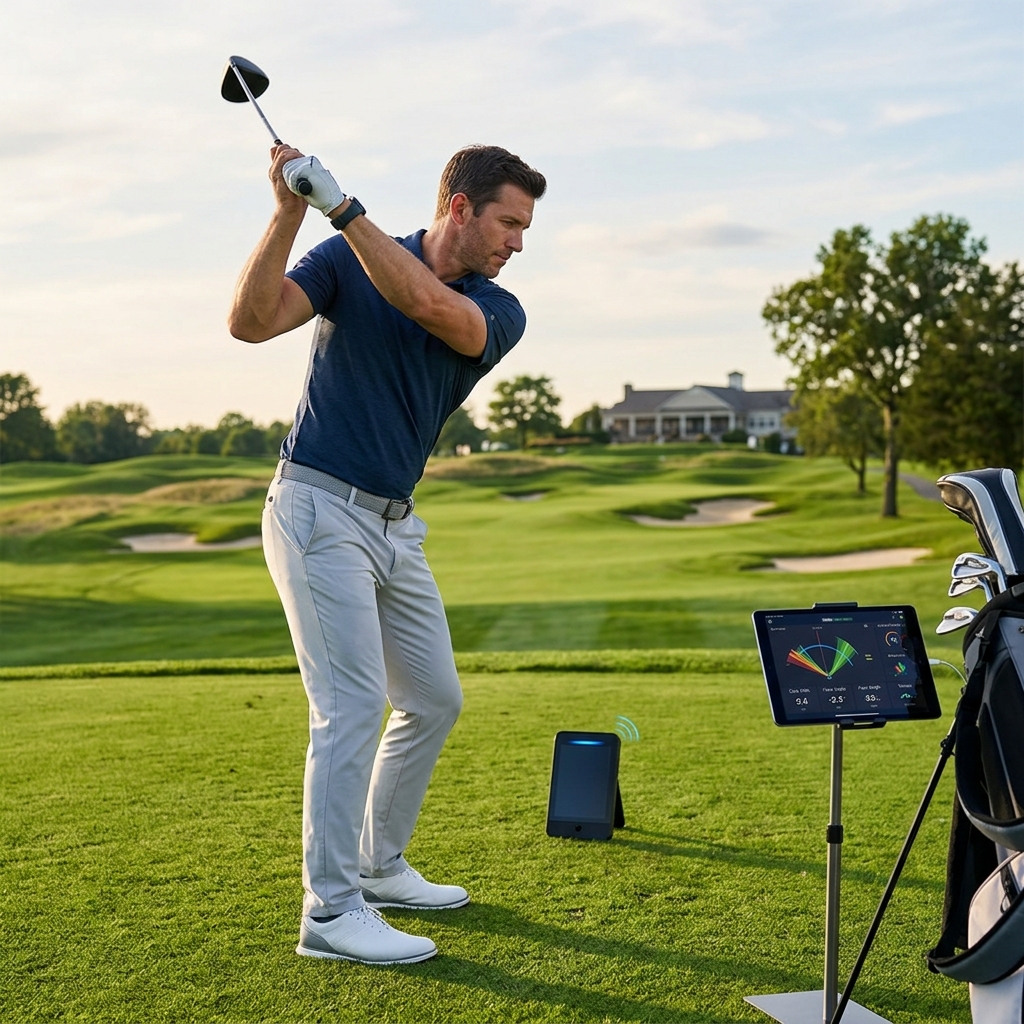
Table of Contents
Check whether the package includes tripods
The standalone Swing Optix listing specifies two camera bases, brackets, lenses and cables, but says tripods are not included. Uneekor’s AI Studio description includes tripods with its overhead-monitor bundles. Do not use a photograph of one bundle to infer the contents of another.
Ask for a line-by-line equipment list on the US quotation. Identify what you already own and what the installer supplies. The point is not to collect the largest bundle; it is to avoid discovering that the cameras have arrived without a workable place to stand.
| Component | Buying check | Why it matters |
|---|---|---|
| Launch monitor | Exact compatible Uneekor configuration | The cameras are part of an ecosystem |
| Two cameras and lenses | Current package contents | Face-on and down-the-line capture |
| Supports | Tripods or approved mounting arrangement | Repeatable framing outside movement paths |
| PC and USB | Current workload and supported connections | Video bandwidth and power |
| Lighting | Clear images at operating settings | A bright projector image is not camera lighting |
| Software | VIEW and current AI Trainer entitlement | Video capture and analysis are separate functions |
Count real USB capacity, not just sockets
Uneekor’s connection guidance calls for suitable USB 3 connections and warns that sharing an overloaded controller can reduce performance. Ask the PC supplier to verify the camera arrangement, especially if other high-bandwidth devices will be connected.
Do not solve a long room by joining arbitrary extension cables. The manufacturer places restrictions on active extensions and repeater-equipped cables, including its supplied 21-foot cable. Get approval for the exact cable combination before purchasing or concealing it.
Lay out the full connection temporarily and check both video feeds before installing cable management. A camera power light is not proof of an adequate frame rate or stable picture.
Frame the whole swing from both views
Set up the face-on and down-the-line views according to the current camera guide. Check that the golfer and club remain visible throughout the movement, not merely at address. A frame that looks tidy while the golfer stands still may crop the backswing or follow-through.
Keep supports and cables outside the swing and shot areas. Repeat the framing check for different-height golfers and for the longest club being used. If the room cannot accommodate the required views safely, resolve the layout before buying the analysis subscription.
Our swing-analysis software guide explains the wider difference between collecting footage and using it productively.
An iPad workflow does not automatically support these cameras
The Uneekor compatibility note specifically says EYE MINI needs PC software for Swing Optix and that VIEW Air on iPad cannot use the cameras. Check the complete host-and-monitor combination rather than relying on the monitor alone appearing compatible.
Specify the computer for the final simultaneous workload: video, VIEW, AI Trainer and any simulator application. Do not assume that a PC which currently displays ball data will also handle every camera and analysis feature comfortably.
Understand the included term and the useful outcome
Check how long any included AI Trainer access lasts and what happens afterward. An included first year is not a permanent entitlement. Our subscription guide helps separate that recurring analysis access from the cameras you own.
Decide what you will do with the footage: review one movement with a coach, compare consistent camera angles or document a planned practice change. Treat automated feedback as an aid to interpretation rather than a guarantee of a correct diagnosis.
These affiliate links open Amazon US search results for the named equipment or accessories.
Check the exact model, generation and seller. Results can include alternatives; a search link does not confirm availability. Use the official supplier links for specialist products and services.
Order supports and cable-management accessories after the approved layout is clear. The useful finished product is a repeatable two-view session with stable software, not simply two powered cameras beside a simulator.
Sources and method
We checked Uneekor Swing Optix package, Uneekor AI Studio package overview, Uneekor Swing Optix connection guidance, Uneekor Swing Optix monitor compatibility. Product facts come from these official sources; the decision steps are our editorial guidance. Confirm the exact US package and current terms before ordering.