
As an Amazon Associate I earn from qualifying purchases.
An EYE XR can be a candidate for an existing QED room, but “rear overhead” does not mean it bolts into the same bracket or reads the same hitting area. Audit the mount, measurement zone, cables and software separately before selling the QED or ordering an installation.
Research-based buying guidance, checked September 13, 2026. We have not tested this setup in person.
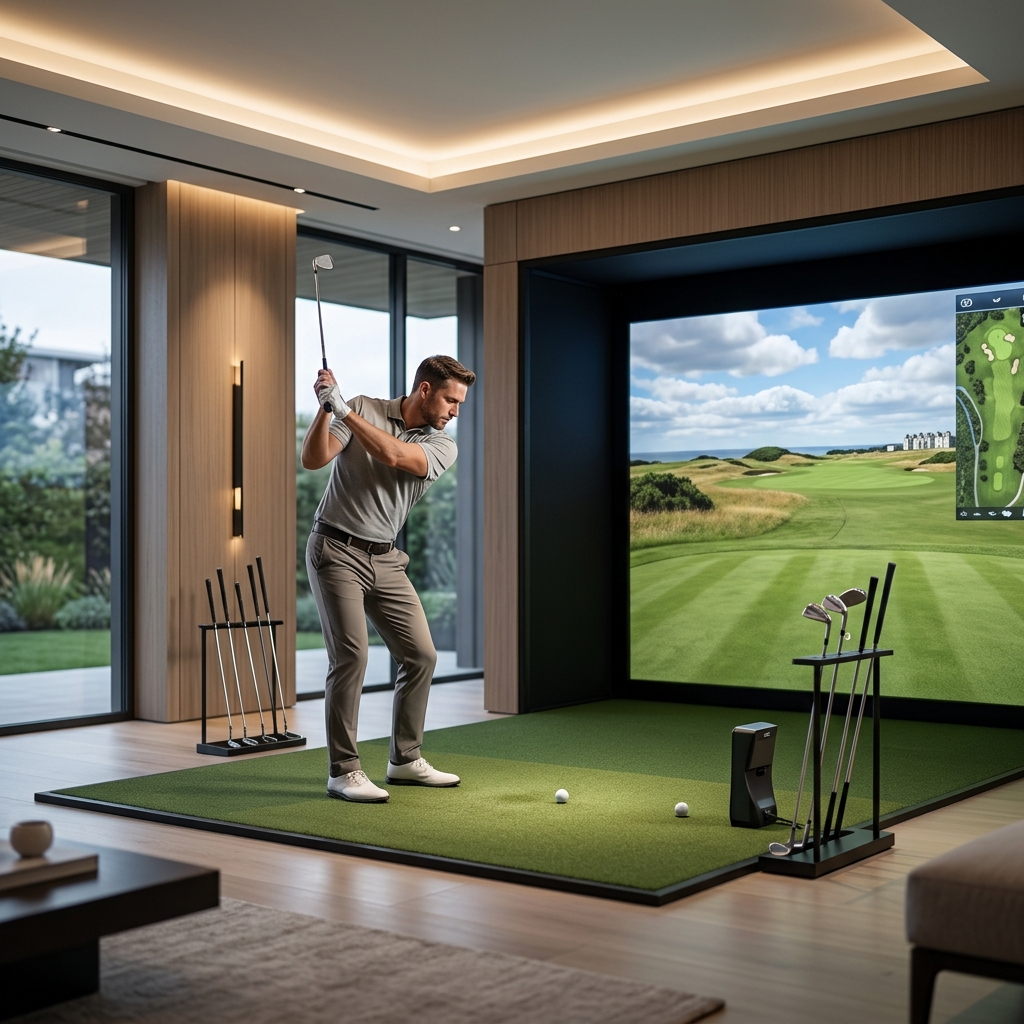
Table of Contents
The new sensor has a different measurement footprint
Uneekor lists QED’s hitting zone as 18 by 18 inches in its technical specifications. The EYE XR product page lists a 14-inch-long by 12-inch-wide zone and rear-overhead placement. A newer device can therefore offer a different workflow while covering a smaller measurement area.
Mark those zones on the existing mat using the correct orientation from the installation instructions. Check where you currently place irons, a teed driver and any putting start point. A favorite tee position near the edge of the old zone may not belong in the new one.
| Existing item | What to check for XR | Do not assume |
|---|---|---|
| Ceiling support and bracket | XR-approved mounting and structural requirements | Shared rear position means identical hardware |
| Hitting mat | Current tee positions inside XR zone | The entire QED zone transfers |
| Balls and markers | XR-specific current workflow | QED consumables remain necessary |
| Computer and cables | Current ports, software and requirements | A working old PC covers every new feature |
| Screen and enclosure | Condition and new alignment | Sensor replacement certifies containment |
Have the mounting arrangement checked independently
Obtain the XR installation instructions and compare the mounting position, fixing pattern, cable access and required clearances with the room. Have an appropriately qualified installer assess the support if the installation requires structural work. Do not reuse fixings simply because the old monitor remained in place.
Take photographs and measurements before removing anything. Record the hitting point, monitor position and cable entry. That documentation makes it easier for the supplier to identify which components can remain and which need changing.
Our indoor-monitor guide explains why room suitability remains a separate decision from the sensor specification. The measurement zone is not a safe-swing rectangle.
Understand the changed consumable routine
QED specifies marked balls and club stickers for its club-data workflow. XR’s product-specific FAQ says reflective clubface stickers are not required. That can matter in a shared bay where visitors bring different clubs, but confirm the exact installed firmware and desired metrics before treating every old preparation step as obsolete.
Do not turn a simpler setup claim into an accuracy ranking. We have not tested the two systems side by side. Ask to see the shots and clubs you actually use, with the current software, rather than relying on a generic manufacturer-family demonstration.
Preserve the functioning system until the new one is validated
Record the current software licenses and account arrangement. Ask which rights carry forward to the new device, which require reassignment and which are new purchases. A hardware upgrade should not leave you discovering after installation that a favorite application is still tied to the old unit.
Check the host computer against the new workload, particularly if adding cameras or analysis at the same time. Separate a necessary sensor upgrade from optional additional features so you can understand which purchase caused each requirement.
Our distance-tools guide can help narrow the information you need from the upgraded bay. Do not replace a working system solely because a different model advertises a larger total of data fields.
Ask for a reuse schedule on the quotation
Have the supplier label each major item “reuse,” “replace” or “inspect before decision.” Include installation, calibration, any software changes and disposal or storage of old parts. Keep the QED available until the XR has completed a normal session using the intended player and application workflow.
These affiliate links open Amazon US search results for the named equipment or accessories.
Check the exact model, generation and seller. Results can include alternatives; a search link does not confirm availability. Use the official supplier links for specialist products and services.
Generic cables and practice accessories may be useful after that audit. They should not be purchased as substitutes for an approved overhead mount or as evidence that the complete conversion is compatible.
Sources and method
We checked Uneekor QED technical specifications, Uneekor EYE XR US specifications. Product facts come from these official sources; the decision steps are our editorial guidance. Confirm the exact US package and current terms before ordering.